> ## Documentation Index
> Fetch the complete documentation index at: https://docs.nextchat.dev/llms.txt
> Use this file to discover all available pages before exploring further.
# Groq
[Groq's](https://groq.com/) hosted models offer key advantages including exceptional performance efficiency due to optimized hardware, simplified integration for easy deployment in various applications, and scalability to handle growing data demands. Additionally, they provide cost-effectiveness by reducing the need for extensive hardware investments and support for a wide range of applications, ensuring versatility across industries. This combination of benefits makes Groq's hosted models an attractive solution for businesses seeking to leverage advanced AI and ML capabilities efficiently.
Groq's technology significantly reduces latency, offering a competitive edge in environments where every millisecond counts.
# Using Groq with custom endpoint
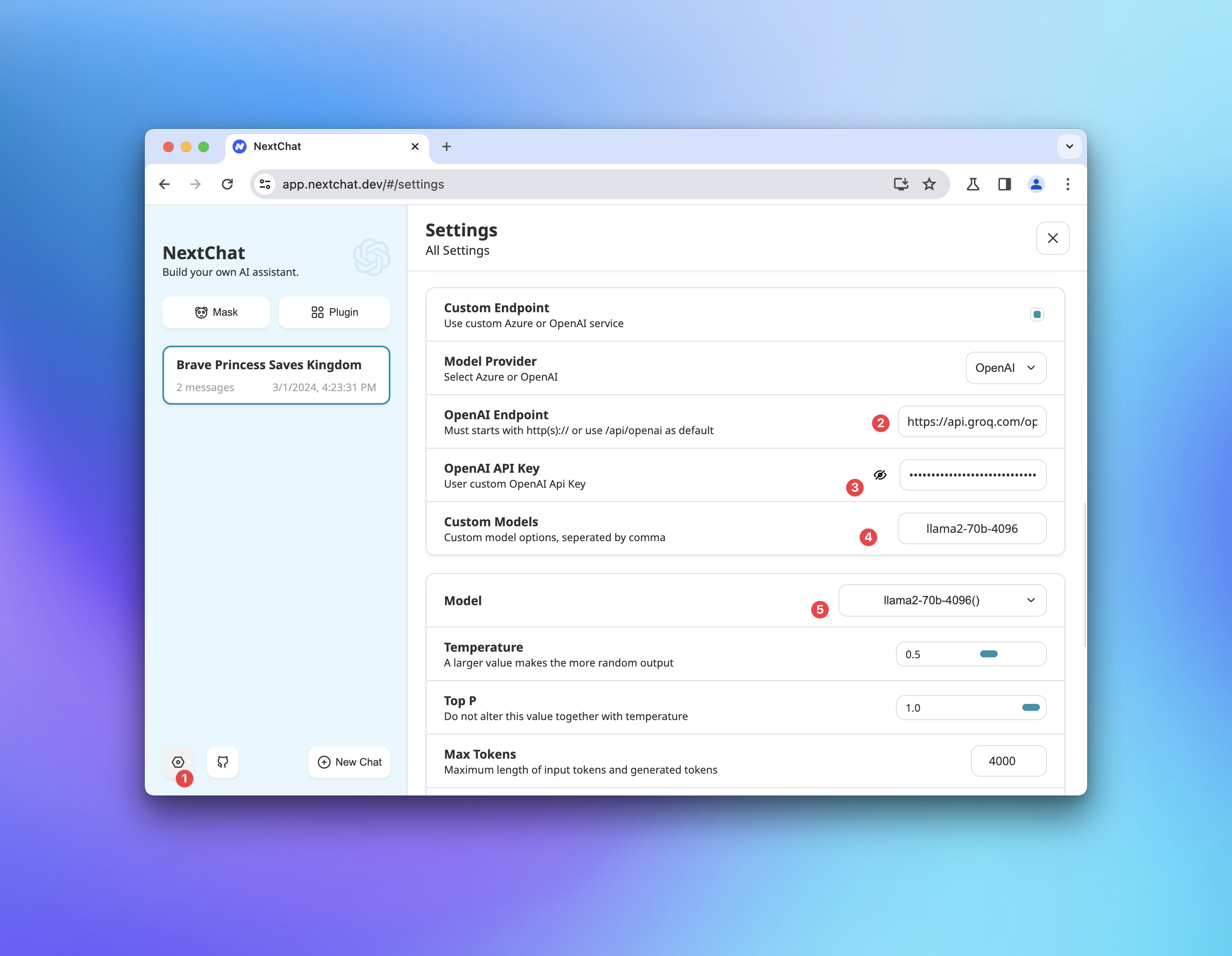
Click Settings at the left bottom of the page.
Enable custom endpoint and input the groq api endpoint: `https://api.groq.com/openai/`
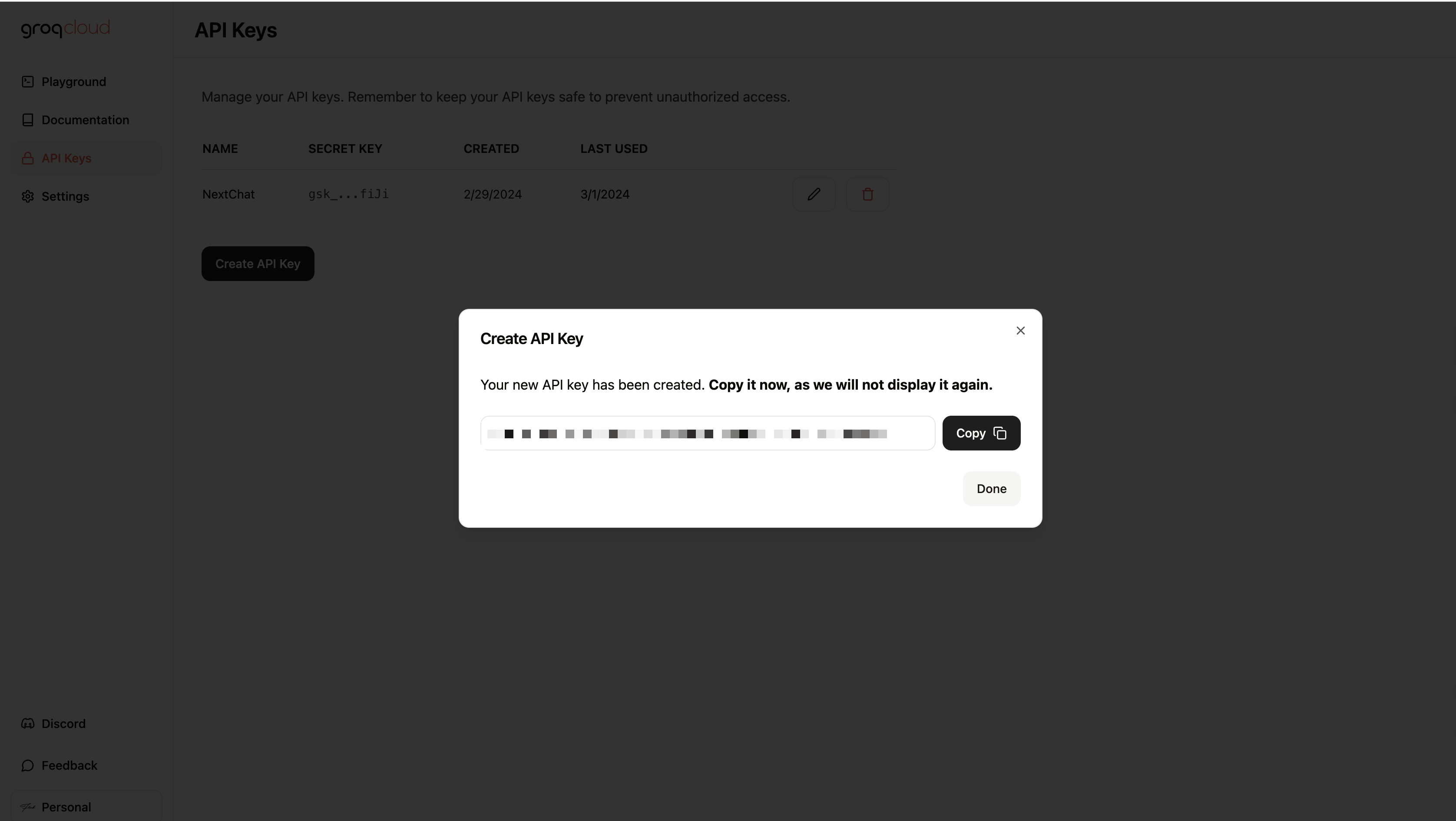
Set yhe groq api key you obtained from [https://console.groq.com/keys](https://console.groq.com/keys) in the `API Key` field.
Set your model name(e.g. `llama2-70b-4096`)
Change the default model to the groq model you set in the previous step.
Then switch to chat page and start have fun with Groq model!